

Location pages are specialized web pages that target a specific city, neighborhood, or service area with unique, locally relevant content. They are the single most direct way to tell Google exactly where your business operates and who it serves. Understanding why location pages boost rankings means understanding how Google’s local algorithm reads geographic signals, assigns relevance, and decides which businesses deserve to appear in front of nearby customers. Done right, a location page can rank within 48 hours and get cited by AI search tools like Perplexity 73% of the time for local queries.
Why location pages boost rankings: the core SEO mechanics
Location pages work because they give Google three things it needs to rank a local business: relevance, authority, and a clear geographic signal. A page built around “plumber in Austin, TX” tells the algorithm exactly what service is offered and where. That specificity is what generic service pages cannot provide.
Local relevance signals are the foundation. Name, address, and phone number (NAP) consistency across your location page and your Google Business Profile confirms to Google that your business is real and present in that city. Geo-targeted keywords embedded naturally in headings, body copy, and meta tags reinforce that signal. The combination creates a relevance match that generic pages simply cannot achieve.

Site architecture matters just as much. A clean URL structure like /locations/city-name/ tells crawlers how your site is organized and makes each location page easy to index independently. Proper canonical URLs per location prevent internal competition, where two pages on your own site fight each other for the same keyword. That internal competition is one of the most common reasons multi-location businesses plateau in rankings.
Unique content is what separates a page that ranks from one that gets ignored. Google’s algorithm actively penalizes thin, templated pages that only swap a city name into a generic description. A page that references local landmarks, mentions the team serving that area, and includes real customer reviews from that location reads as genuinely helpful. That is exactly what Google’s helpful content standards reward.
- Location pages reduce keyword cannibalization by assigning one page per geographic target.
- NAP consistency between the page and Google Business Profile strengthens local trust signals.
- Structured data markup (Schema.org LocalBusiness) helps search engines parse and display your location details.
- Unique, localized content avoids the “doorway page” penalty that tanks templated city pages.
Pro Tip: Add a LocalBusiness Schema block to every location page. Include your address, phone number, hours, and service area. This structured data feeds directly into Google’s Knowledge Panel and AI search results.
What are the best practices for building effective location pages?
The structure of a location page determines whether it ranks and converts. A page that looks good but loads slowly or lacks local proof will underperform every time.
-
Use a consistent URL structure. Build every location page at
/locations/city-name/or/city-name/service/. Consistency helps crawlers map your site and prevents duplicate indexing issues. -
Write location-specific content. Reference the neighborhood, a local landmark, or a community event your business supports. Mention the staff member who runs that location. These details signal genuine local presence, not a template swap.
-
Embed real customer reviews. Google prioritizes local proof, meaning reviews from customers in that specific city carry more weight than generic testimonials. Pull in Google reviews or embed a review widget filtered by location.
-
Add an FAQ section. AI search engines like Perplexity and ChatGPT use FAQ content as a primary source for local query answers. A well-structured FAQ increases your chances of being cited in AI-generated responses, which is a fast-growing discovery channel.
-
Prioritize mobile speed. Slow mobile pages lose conversions even when rankings hold. Run each location page through Google’s PageSpeed Insights and target a score above 90 on mobile. Core Web Vitals directly influence local rankings.
-
Link each page to its Google Business Profile. This connection reinforces the relationship between your website and your GMB listing, strengthening both assets simultaneously.
Location pages also serve as trust builders. They answer the key buyer questions before a customer ever calls: Are you actually in my city? Do you serve my neighborhood? What do local customers say about you? A page that answers all three reduces friction and increases the chance of a conversion.
Pro Tip: Include a local staff bio with a photo on each location page. It adds a human element that generic pages lack, and it signals to Google that a real person is associated with that address.
How do location pages integrate with multi-channel marketing?
Location pages are not just SEO assets. They are the central hub that connects every marketing channel you use.
Multi-channel integration gives a well-built location page triple SERP visibility: it can appear in the organic listings, the Google Map Pack, and as the landing page for a paid search ad, all at the same time. That triple presence increases click-through rates and builds brand credibility because customers see your business in multiple places for the same search. Understanding local SEO vs. paid ads shows how these channels reinforce each other rather than compete.
Location pages also lower the cost of paid advertising. When a Google Ads campaign sends traffic to a dedicated, relevant location page instead of a generic homepage, Quality Scores improve. Higher Quality Scores mean lower cost-per-click and better ad placement. The location page does double duty: it earns organic traffic and makes paid traffic cheaper.
AI search engines add a third dimension. Tools like Perplexity and ChatGPT increasingly pull from structured location pages when answering local queries. The role of AI in search rankings is growing fast, and businesses with well-structured location pages are already capturing citations that their competitors miss. Pricing breakdowns, service details, and FAQ sections are the content formats that large language models favor most.
| Marketing channel | How location pages support it |
|---|---|
| Organic search | Targets geo-specific keywords and earns map pack placement |
| Google Business Profile | Provides the linked website URL that confirms business legitimacy |
| Paid search (PPC) | Serves as a high-relevance landing page that improves Quality Score |
| AI search (Perplexity, ChatGPT) | Supplies structured content that AI models cite for local queries |
What are the common pitfalls that hurt location page performance?
Most location page failures come from three avoidable mistakes: duplicate content, poor governance, and technical errors.
-
Duplicate content is the most common problem. Copying the same page and swapping the city name creates what Google classifies as a doorway page. These pages get filtered out of rankings, not rewarded. Every location page needs at least one paragraph of genuinely unique content tied to that specific place.
-
Keyword cannibalization happens when multiple pages on your site target the same geographic keyword. Consolidating broad informational content at the corporate level while keeping location pages focused on local intent prevents your own pages from competing against each other.
-
Improper canonicalization sends mixed signals to Google. If your location pages lack canonical tags or point to the wrong URL, crawlers may index the wrong version or split ranking signals across duplicates. Clear site architecture with one canonical URL per location solves this.
-
Content sprawl occurs when location pages multiply without oversight. A business that launches 50 city pages and never updates them ends up with stale, thin content that drags down the entire domain’s authority.
-
Governance gaps are the root cause of sprawl. Formal content ownership means assigning a person or team responsible for each location page’s accuracy, freshness, and performance. Without it, pages decay and rankings follow.
The fix is a scalable template that enforces structure while leaving room for local customization. Lock down the URL format, Schema markup, and page sections. Let the local details, reviews, and staff information vary by location. That balance keeps quality consistent without sacrificing the local specificity that rankings require.
Key Takeaways
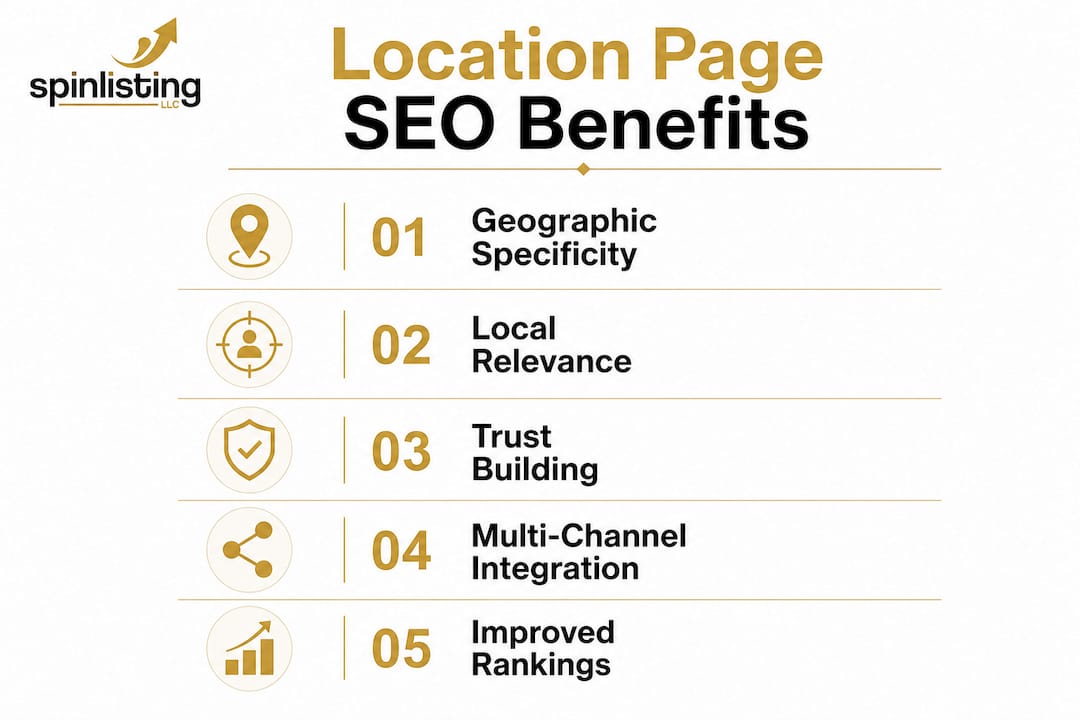
Location pages boost rankings because they deliver geographic specificity, local proof, and structured content that Google and AI search engines both reward.
| Point | Details |
|---|---|
| Geographic specificity wins | Pages targeting a single city with unique content outrank generic service pages every time. |
| Structure prevents self-competition | A clean URL format and proper canonical tags stop your own pages from fighting each other. |
| Local proof is non-negotiable | Real reviews, staff bios, and community references signal genuine presence to Google. |
| Multi-channel value multiplies ROI | One location page can earn organic rankings, map pack placement, and lower PPC costs simultaneously. |
| Governance sustains performance | Assigning content ownership prevents stale, thin pages from dragging down domain authority. |
The part most businesses skip entirely
Most businesses treat location pages as a one-time task. They build the pages, publish them, and move on. That is the single biggest mistake I see in local SEO work.
Location pages are living assets. Google’s helpful content standards keep raising the bar for what counts as genuinely useful. AI search engines now scan for pricing details, FAQ depth, and service specifics before deciding which pages to cite. A page that was strong 18 months ago may now be too thin to compete. The businesses that sustain top rankings are the ones that review and refresh their location pages on a regular schedule, not just when rankings drop.
The other thing I have learned is that template discipline matters more than most people realize. The temptation is to customize every page from scratch, which sounds like the right approach. In practice, it creates inconsistency that is hard to audit and harder to fix at scale. A tight template with defined sections for local reviews, staff information, and service area details gives you both consistency and room for the local specificity that rankings demand. Pair that with a local search ranking strategy that connects your location pages to your Google Business Profile, and you have a foundation that compounds over time.
— Against
How Spinlisting helps you get location pages right
Building location pages that rank, convert, and get cited by AI search tools requires more than good writing. It requires a coordinated strategy that connects your pages to your Google Business Profile, your paid campaigns, and your broader local search marketing plan.

Spinlisting specializes in exactly that. The team builds and optimizes Google Business Profiles alongside location-based SEO strategies, creating the integrated presence that earns triple SERP visibility. Clients have seen first-place ranking increases of 83% through Spinlisting’s ongoing optimization approach. If your location pages are underperforming or you have not built them yet, Spinlisting’s local SEO services give you a clear path to rankings that hold.
FAQ
Why do location pages rank faster than regular pages?
Location pages target specific geographic keywords with low competition, which means Google can assess their relevance quickly. Well-optimized location pages can rank within 48 hours when paired with a strong Google Business Profile.
How many location pages does a business need?
A business needs one location page per city or service area it actively serves. Creating pages for areas where you have no real presence triggers Google’s doorway page filter and can hurt your overall rankings.
What content makes a location page rank well?
Unique local content is the deciding factor. Pages that include real customer reviews, local staff details, and area-specific service information consistently outperform templated city pages that only swap the city name.
Do location pages help with AI search results?
Yes. AI tools like Perplexity and ChatGPT cite structured location pages for local queries 73% of the time. Pages with FAQ sections, pricing details, and clear service descriptions are the most frequently cited.
How often should location pages be updated?
Location pages should be reviewed at least every six months. Stale content, outdated reviews, and incorrect hours signal low quality to Google and reduce the page’s authority over time.
Recommended
- Improve Local Search Ranking: 2026 Strategy Guide | Google my Business for SEO / ranking services SEO
- Why Mobile Search Drives Local Traffic to Your Business | Google my Business for SEO / ranking services SEO
- Local SEO Ranking Factors Explained for 2026 | Google my Business for SEO / ranking services SEO
- Local Search Visibility Score Explained for Business Owners | Google my Business for SEO / ranking services SEO